Computer basic for beginner and everyone who don't know how to use computer.And more information about computer i.e. network, software, hardware etc.

We all know how good iPhone apps can look! Infact they are the best looking mobile apps out there – and pretty good at what they offer.
Today we’ll take a glimpse at 10 of the most sexiest iPhone apps (in no particular order) that are not only gorgeous but also the ‘Worth it’ kind:
1. Bento
Bento is an simple database management application for iPhone users from FileMaker Inc. It is basically a portable version of Bento for Mac. It helps in getting fast access to information (libraries and collections) when you are away from your computer.
It comes with 25 built-in templates for business (example issue tracking, time billing, expenses) and personal use(example diet logs, recipes, vehicle maintenance, home inventory). Otherwise, you can also create your customized templates for which a blank template is provided.
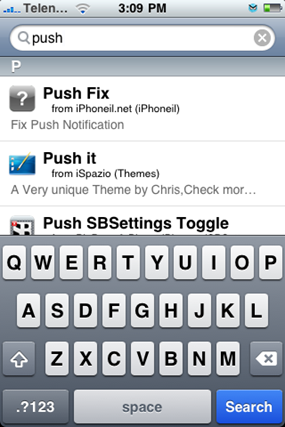
Just found this via Sizlopedia that there is now an app Push Fix available on Cydia to fix Push Notification Systemi on jailbroken and unlocked iPhone’s running firmware 3.0. I earlier wrote a complete guide on how to fix Push Notification System for hacktivated iPhone’s but it required longer and tedious steps (for some) to fix the issue. You can now fix Push Notification System by following three simple steps:
Step 1: Start “Cydia” on your iPhone. Touch on “Manage” tab on the bottom and then on “Sources” as seen in the screenshot below:
Step 2: Touch on “Edit” and then on “Add”. You will be prompted to enter a url source as seen in the screenshot below. Type “http://cydia.iphoneil.net” and touch on “Add Source”.

Cydia will now automatically update your sources by following a series of automated steps.
Step 3: After installation is completed. Search for “Push Fix” in Cydia and install this application. This app will automatically fix Push Notification System on your unlocked and jailbroken iPhone.

Note: Fixing Push Notification System with Push Fix app wont solve the issues that you may be having in receiving Push Notifications on your hacktivated iPhone 3.0. You don’t need to follow the steps above if you have already followed the Guide for Fixing Push Notification System on your iPhone as the Push Fix app doesn’t do anything new or different.
Please take a look at our complete step-by-step guide on how to unlock and jailbreak (if you haven’t already):
Questions are welcome!
via - redmondpie
Sick of dropped calls on your iPhone?
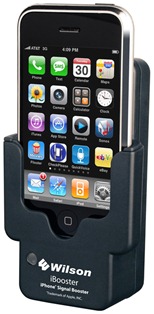
Wilson Electronics, an electronics manufacturer, has recently released an iPhone signal enhancer called iBooster.
It improves the signal reception which enables a reduction in dropped calls and better audio. The iBooster can be used in cars, buildings and other areas where network coverage is weak. Due to its simple setup it can be easily moved from one place to another.
It has Wilson bi-directional SmartTechnology signal amplifier and battery charger. There is specific slip in’ cradle for the iPhone which features a pass through connector for external accessory access. The cradle is great for hands free operation either with a user’s headset or Bluetooth device. You can use the iBooster without taking off the case of your iPhone 3GS, iPhone 3G or iPhone.
Key Features:

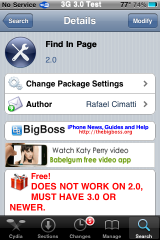
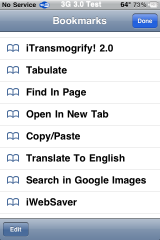
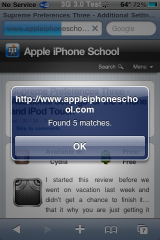
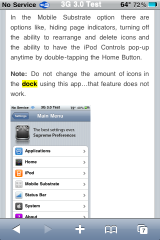
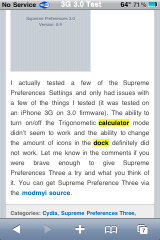
Once you select the Find In Page bookmark, you will get a pop-up where you can type in the word (or words) you would like to search the page for. It will then give you a pop-up displaying how many matches it found on the page. The matches will be highlighted in yellow on the page.
If you would like to remove the bookmark, you will need to remove it in Safari like you would any other bookmark (go into your bookmarks, select Edit and then delete the bookmark). Uninstalling the Find In Page application via Cydia will not delete the bookmark out of Safari…you have to do that via Safari.
Overall, this is a handy little bookmark that works well. One thing I did notice, like in the previous version, once you have searched for the a word in a page it will keep that word highlighted even if you go back out and search for a new word. Not a huge deal, just something to note. You can get Find In Page via the BigBoss source.
Note: If you would like to have this app on the 2.x firmware, be sure you install the FindInPage app instead of the Find In Page app.
Available In: Cydia
Price: Free


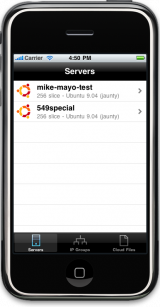
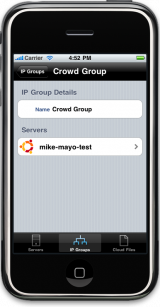
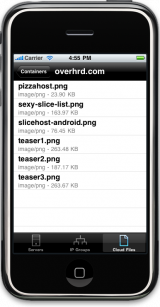
Now, for the iPhone related news. The Rackspace Cloud has recently announced they are releasing API’s. This gives developers the tools and info to create apps that interact with the cloud. Someone has already started developing an iPhone app. Not a lot of details were given, but a lot of screenshots were. Check out the screenshots below. The developers states in the comments on his blog that, “The plan is to submit it this week. It’s currently in the hands of a few people at Rackspace to test and verify functionality.”


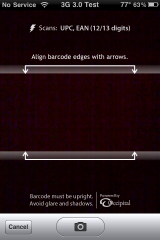
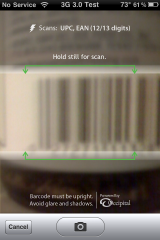
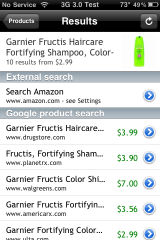
When you open the app, you can begin by scanning an item. To do so just select the lighting icon on the lower menu bar which will open a screen where you can scan the barcode. You will need to line up the edges of the bar code within the arrows… the bar code needs to be upright. Once the edges are lined up, the arrows will turn green. Hold it still a split second longer (after the arrows are green) and it will automatically scan the barcode. It can be a little tricky at first but, after a few tries you will have it down. You can also manually take a picture of the bar code using the Camera button.
After the barcode has been scanned, you will instantly get a description of the product, a picture of the product (if available), a list of websites in which you can buy the product (including each website’s price of the product) and the ability to search Amazon for the product. If the barcode was not found, you will get a message saying, “No matching products found.”
From the main menu, you can email the entire list of products you have scanned, get help, delete products from the list of scanned items or manually enter a barcode number.
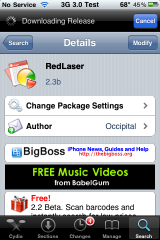
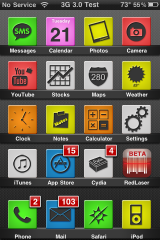
I starting testing this app by scanning some food items and I quickly got addicted. I ended up going all around scanning anything that had a bar code! I was impressed with how easily, quickly and accurately it scanned barcodes. Out of all the items I scanned, were only two in which the app did not find. I did have to rescan a few items before it found them but, overall, it worked great. One thing I would definitely like to see change is that the webpages would open inside of the application instead of opening in Safari. You can get RedLaser via the BigBoss source.
Note: This app is currently a beta.
You can found on Cydia and free
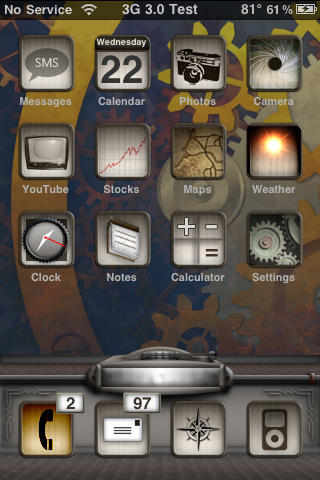
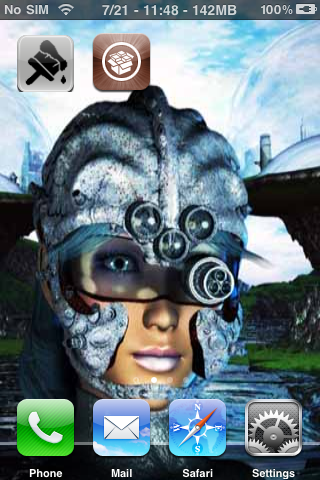
Note: The LiveClock mod works in conjunction with this theme.
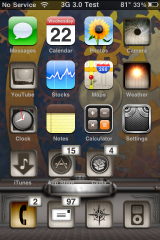
To rename the icons, ssh into the Library/Themes/Steampunk by parbus/Icons folder and change the following file names:
Messaggi to Messages
Calendario to Calendar
Immagini to Photos
Mappe to Maps
Notities to Notes
Calcolatrice to Calculator
Impostazioni to Settings
Borsa to Stocks
1. Your device must be jailbroken. (how?)
2. Make sure you have WinterBoard installed via Cydia.
2. Make sure you have the iSpazio source installed in Cydia.
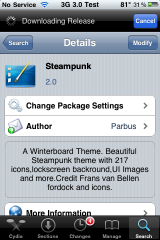
3. Search for Steampunk in Cydia, run the install.
4. Open WinterBoard and activate the Steampunk Theme.

via - AppleiPhoneSchool

Note: If you would like to manually delete some of the wallpapers once you install the pack, you can ssh into the Library/Wallpapers folder on your iPhone or iPod Touch and delete them from there.
| Available In: Cydia | Price: Free |


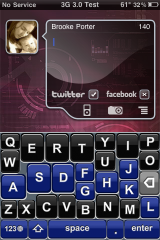
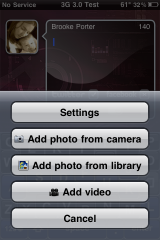
If you are on a first gen iPhone or an iPhone 3G, you will need to install Cycorder via Cydia. qTweeter uses Cycorder to record the video you will tweet (and then uses TwitVid to post the video to Twitter and Facebook… you do not have to have TwitVid installed on your iPhone for it to work). The video is posted just like any other TwitVid video in both Twitter and Facebook. I also like that qTweeter allows you to upload a previously taken video.
It worked great for me on an iPhone 3G running 3.0 however, Doug had to uninstall it from his iPhone 3GS because it put it into continuous Safe Mode.
I personally have always thought this was a cool Twitter application. For a full review of the app please see previous posts about qTweeter. You can get qTweeter via the Ste Packaging source.
More...


Based on original Visionary template by Justin Tadlock
Visionary Reloaded theme by Blogger Templates